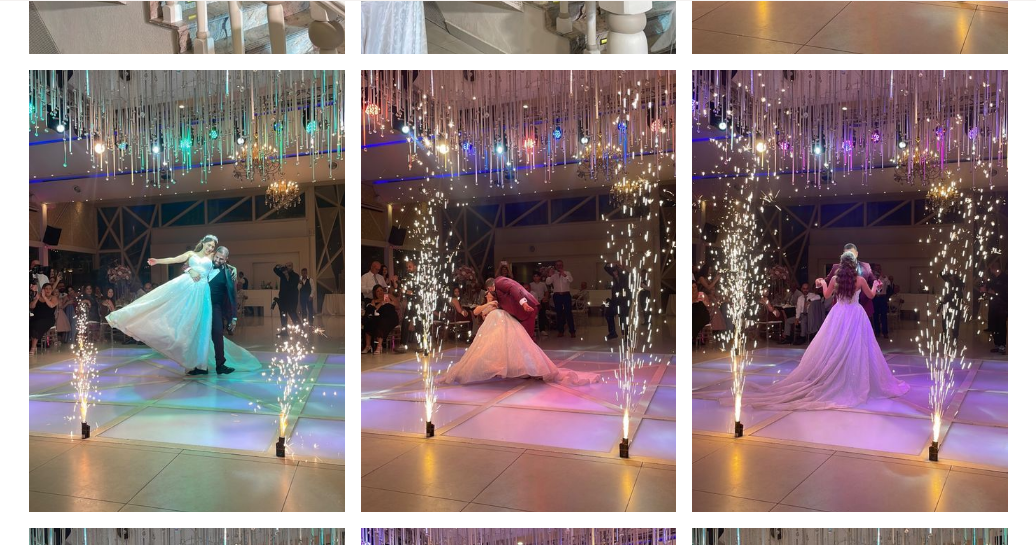
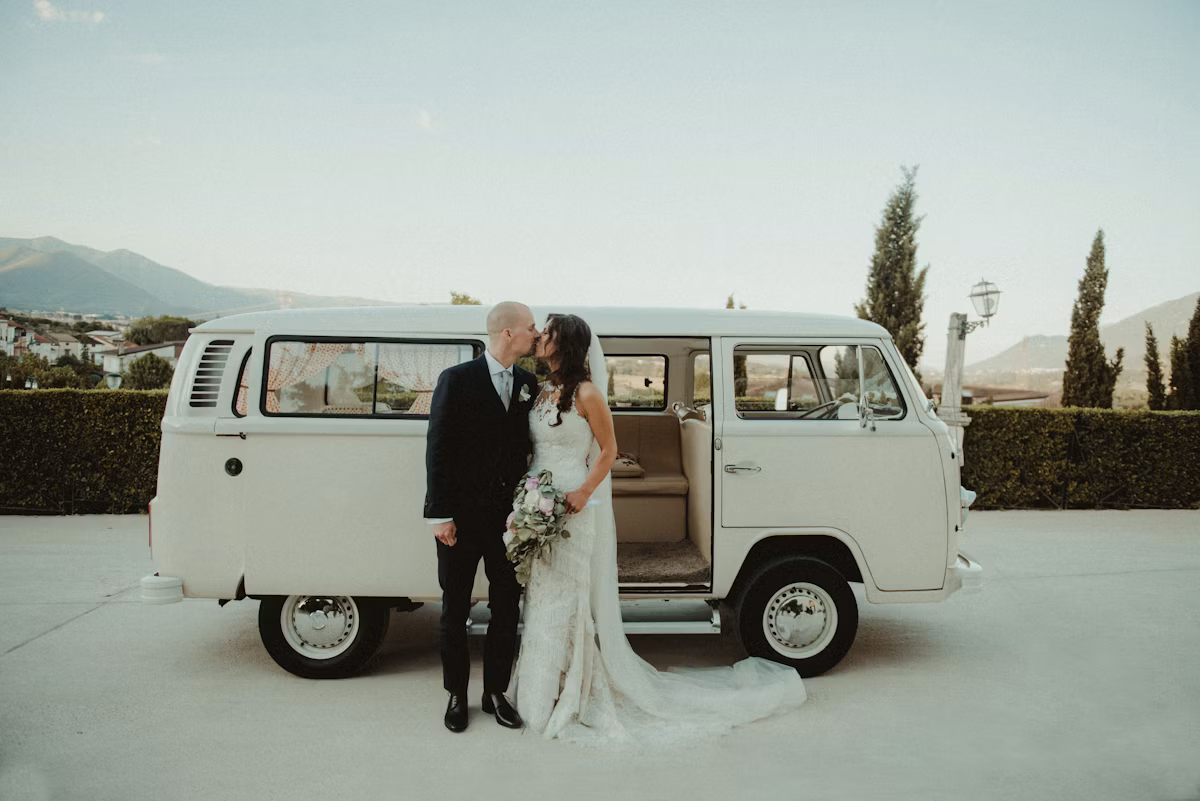
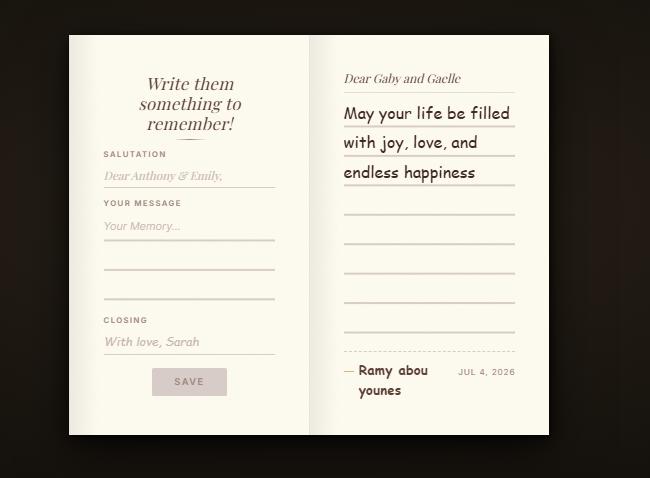
Guest Song Requests, Straight to the DJ
Everyone has that one song that would make their night. Cedar Invites lets guests send it straight to the DJ from their phone — and the DJ accepts or declines each request live, so the floor stays exactly as you want it.
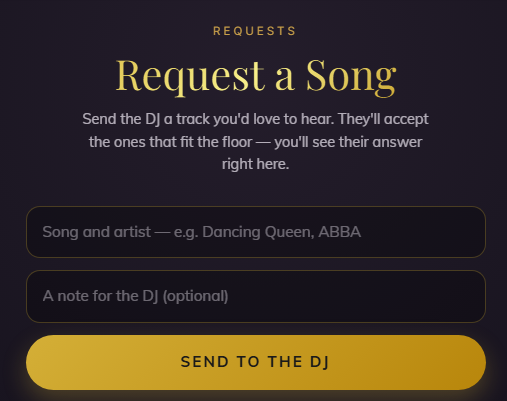
- Guests request a song in seconds — no app, no paper list
- Your DJ accepts or rejects each request from a private console
- Guests see the DJ's answer in real time on their own screen
- Opens from the event QR code at the venue, live on the night
The song that makes their night
A packed dance floor is built on the right songs at the right moments. Letting guests request the tracks they love — while your DJ stays fully in control of what actually plays — turns the crowd into part of the show without ever handing over the aux cord.
Effortless for guests, controlled for the DJ
Guests scan the event QR code at the venue, type a song, and send. That's it. Requests land in a private DJ console where each one is accepted or declined with a tap, and the guest sees the answer instantly. No scribbled napkins, no crowding the booth.
Frequently asked
How do guests request a song?
They scan the event QR code at the venue, type the song and artist, and send it. No app and no account. Their request appears in the DJ's console immediately.
Does the DJ have to play every request?
No. The DJ accepts or rejects each request from a private, link-based console, keeping full control of the set — guests simply see whether their song was accepted.
Can guests request songs before the wedding?
Song requests open on the wedding day, through the event QR code guests scan at the venue. If you want specific songs played, share your must-play list with your DJ in advance.