A Drag-and-Drop Wedding Floor Plan Creator
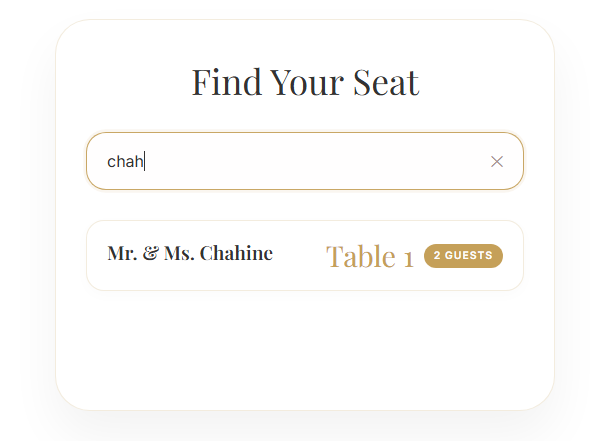
Lay out your reception exactly the way you picture it. Cedar Invites is a drag-and-drop wedding floor plan creator — arrange tables, seat guests with a drag, and publish the finished plan straight to your guests' QR seat finder.
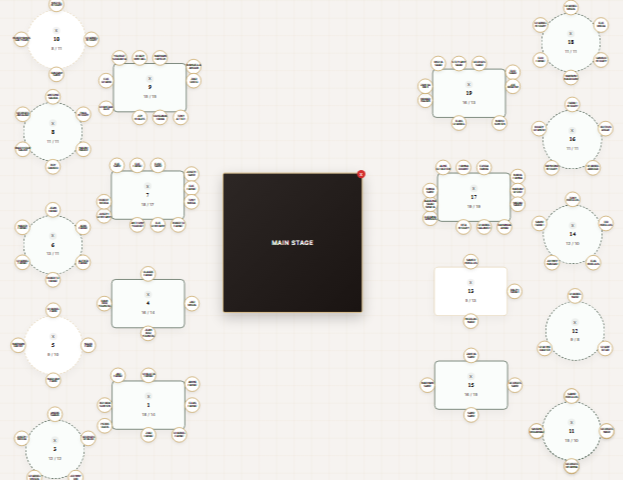
- Drag-and-drop table and guest arrangement
- Unlimited tables and flexible room layouts
- One click from plan to a live guest seat finder
- Rework seating any time without reprinting
Plan the room, not a spreadsheet
Build your reception visually — add tables, drag guests into place, and instantly see how the room comes together. It's faster and far less error-prone than juggling names in a grid.
Connected to everything else
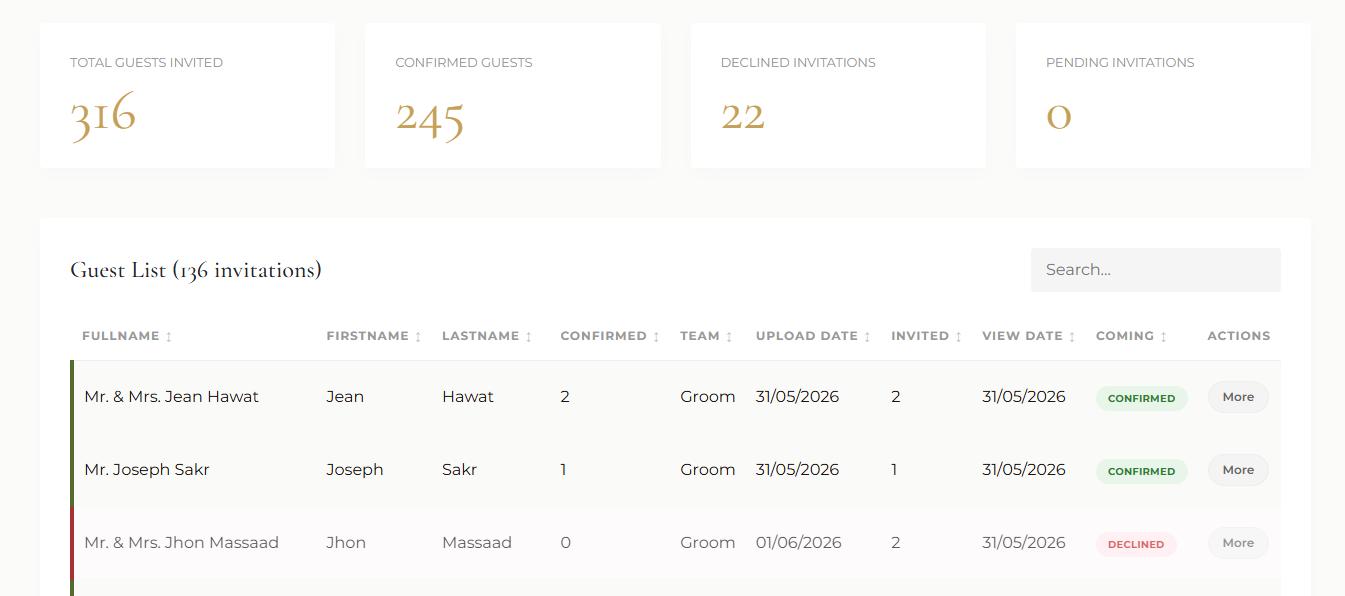
Your floor plan feeds the QR seat finder and reflects your live RSVP list, so seating, headcount and guest wayfinding all stay in sync from one place.
Frequently asked
Can I change the seating after I've shared it?
Yes — edit the plan whenever you like and the guest-facing seat finder updates instantly, with no reprinting.
Does it connect to the RSVP list?
It does. Your confirmed guests flow into the planner so you're always seating the right headcount.
Is there a free wedding floor plan creator?
Cedar Invites includes a drag-and-drop floor plan maker with every event dashboard — build your table layout visually, with no separate software or graph paper, and push it live to the guest seat finder in a click.